
One product photo, ads for every platform
Upload one product photo and get an ad for every placement — feed, story, portrait — each composed for its own frame instead of cropped from one master.
- Hristijan Jankulovski
- 4 min read
Upload one photo of your product and Terrads makes a full set of ads from it — an ad for every placement you run, each one built for its own frame. The same message lands as a square for the feed, a tall 9:16 for stories and reels, and a 4:5 for the feed and Pinterest, without you opening a design tool or cropping a master down to size.
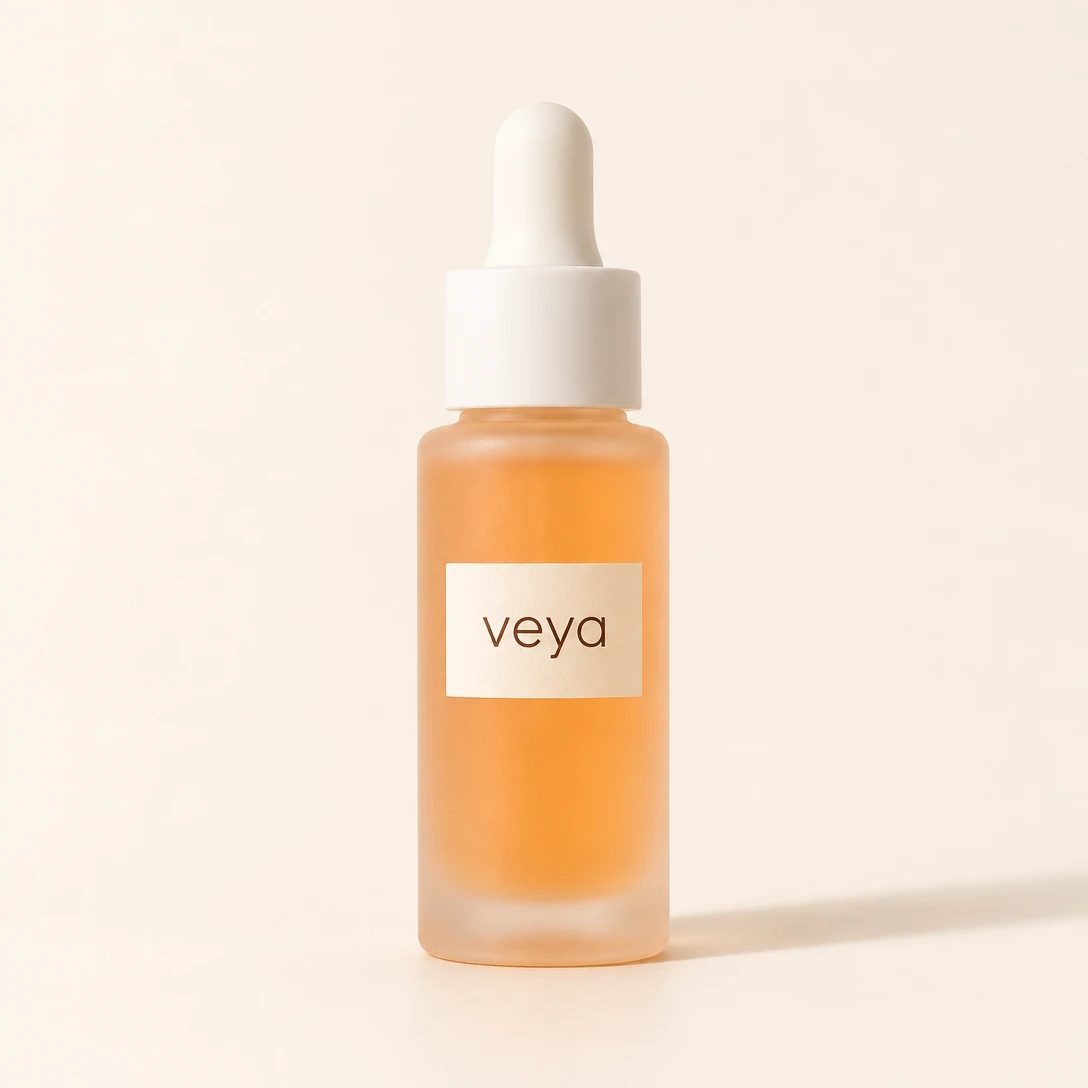
Here is the photo that starts it — a plain studio shot of the product, the kind most brands already have:
And here is one of the ads Terrads made from it, laid out for three placements:

veya is a sample brand we set up to show how this works. Every ad on this page was made by Terrads from the single photo above.
Set the product up once
Terrads makes ads from your brand, so you give it the basics one time: your logo, colours, fonts, the way your brand talks, and the products you sell. After that, every batch, resize and translation uses them, and the ads look and sound like you from the first run. The walkthrough is in Set up your brand.
A product is a name, a short description and a few photos. Better photos — the product on its own, and more than one angle if you have them — give you ads that look closer to the real thing.
Pick an angle and the sizes
A batch is one brief: one product, one message, in every size you pick. On the Create page you choose the product, an angle (the one thing every ad in the batch says), and the sizes — Feed 1:1, Post 4:5, Story / Reel 9:16, Landscape 16:9 and Pin 2:3. Pick as many as you run. Terrads writes the ad text in your brand voice and designs each size, and you watch the ads fill in. The first-batch guide covers the brief field by field.
You don't pick a layout. Leave the style open and Terrads chooses a fitting arrangement for each ad — a feature call-out, a clean hero shot, a side-by-side — so a batch gives you range instead of the same template five times.
Every size is composed for its frame
This is the part a crop can't do. A 9:16 story is not a 1:1 feed ad with the top and bottom sliced off: the product, the headline and the button are placed again for the taller frame, so nothing important runs off the edge and the empty space lands where it should. In the set above, the call-outs sit beside the bottle, and the headline, copy and button find their room as the frame grows from a square to a tall story — same ad, three real layouts.
Cropping one master to every placement is where ads lose their text to a safe zone or leave half the frame empty. Stop exporting one ad five times goes into why that approach breaks, and Meta's ad sizes has the dimensions each placement expects.
Add a size later without remaking the batch
Run a batch in the sizes you need today, and add more when a new placement comes up. Open a finished batch and add a size to every ad, and each one is redrawn for the new shape — composed for it, not cropped. You can translate every ad the same way: only the words change, the design and the product stay put. Both are in Add sizes and languages.
The result is one photo in and a full, on-brand set out — ready to run wherever you advertise, with each placement built for its own frame.
Design once, run everywhere: Terrads composes your ad for every placement instead of cropping one master to fit.