

Features / Meta ad generator
Updated
Facebook and Instagram ad generator
Make Facebook and Instagram ads from your brand kit. Every size is laid out for its own frame, not cropped from one image.
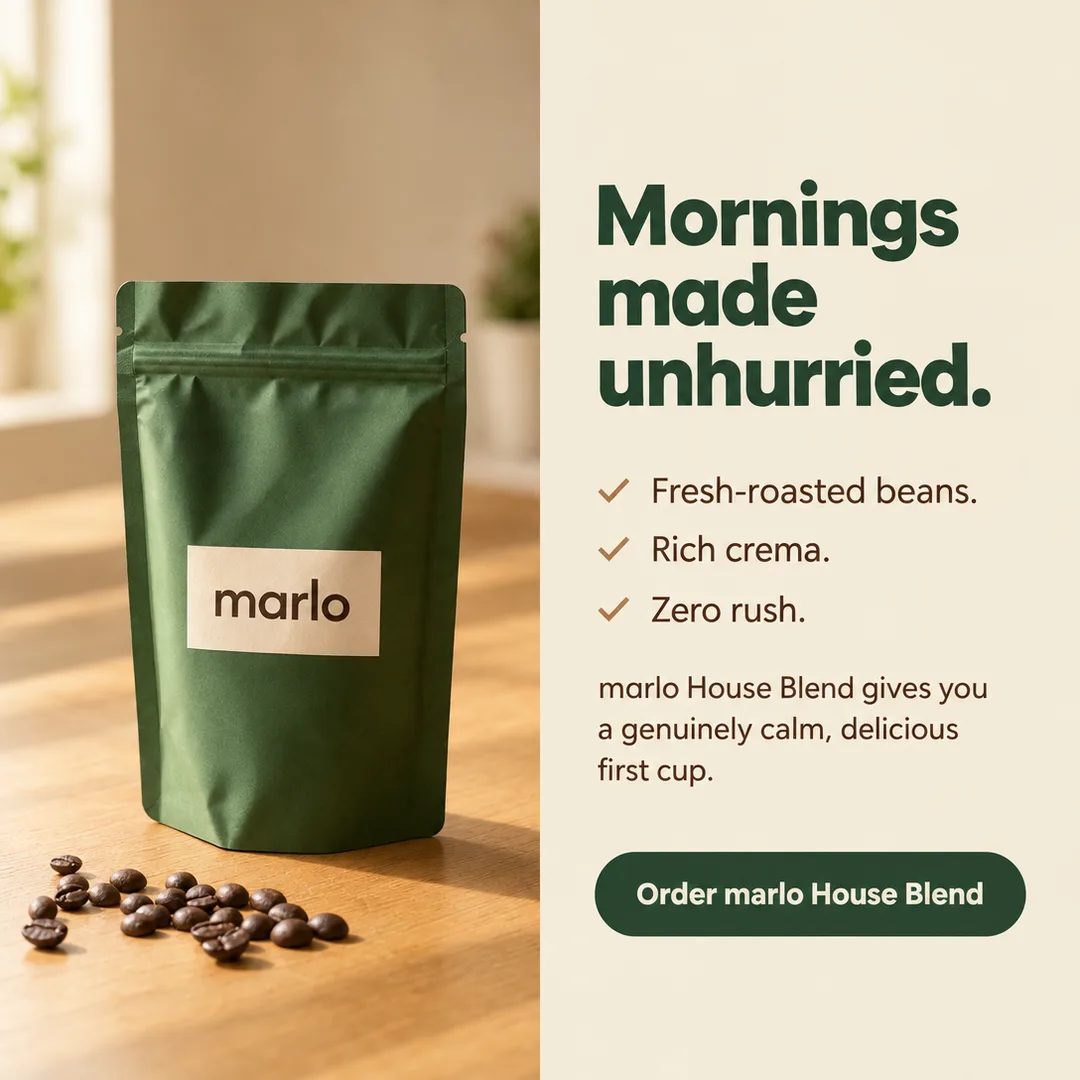
- Size
- 1080 × 1080 · 1:1
- For
- Feed
- What it is
- Image ad, made in Terrads
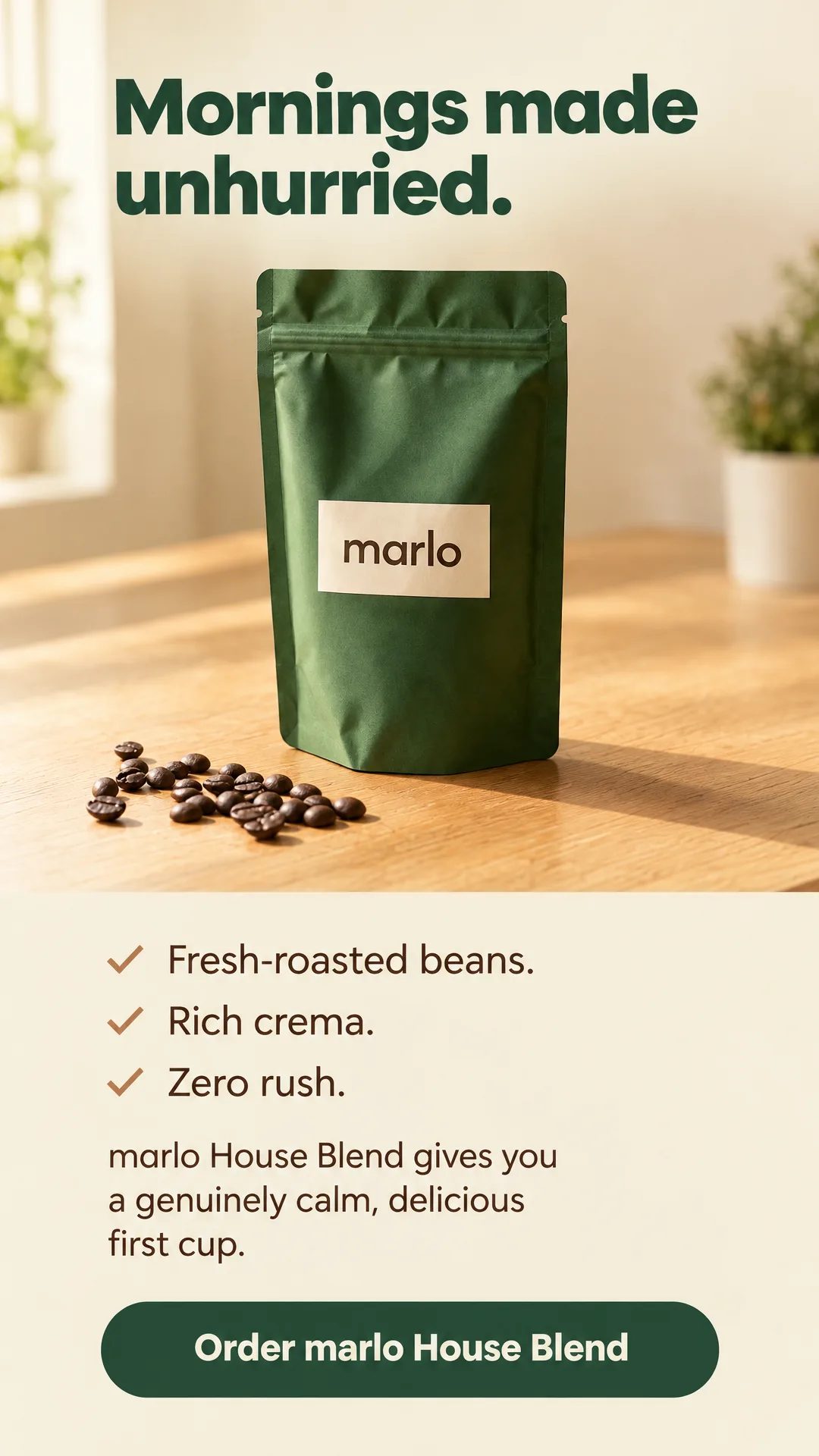
- Size
- 1080 × 1920 · 9:16
- For
- Story / Reel
- What it is
- The same ad, laid out for the tall frame
Samples for fictional brands. The marlo feed and story ads were made in Terrads; the four layouts are sample ads for made-up products.
How it works
- 01
Add your brand
Paste your website. Terrads reads your name, logo, colors and fonts into a brand kit; add your products and their photos once.
- 02
Pick the sizes
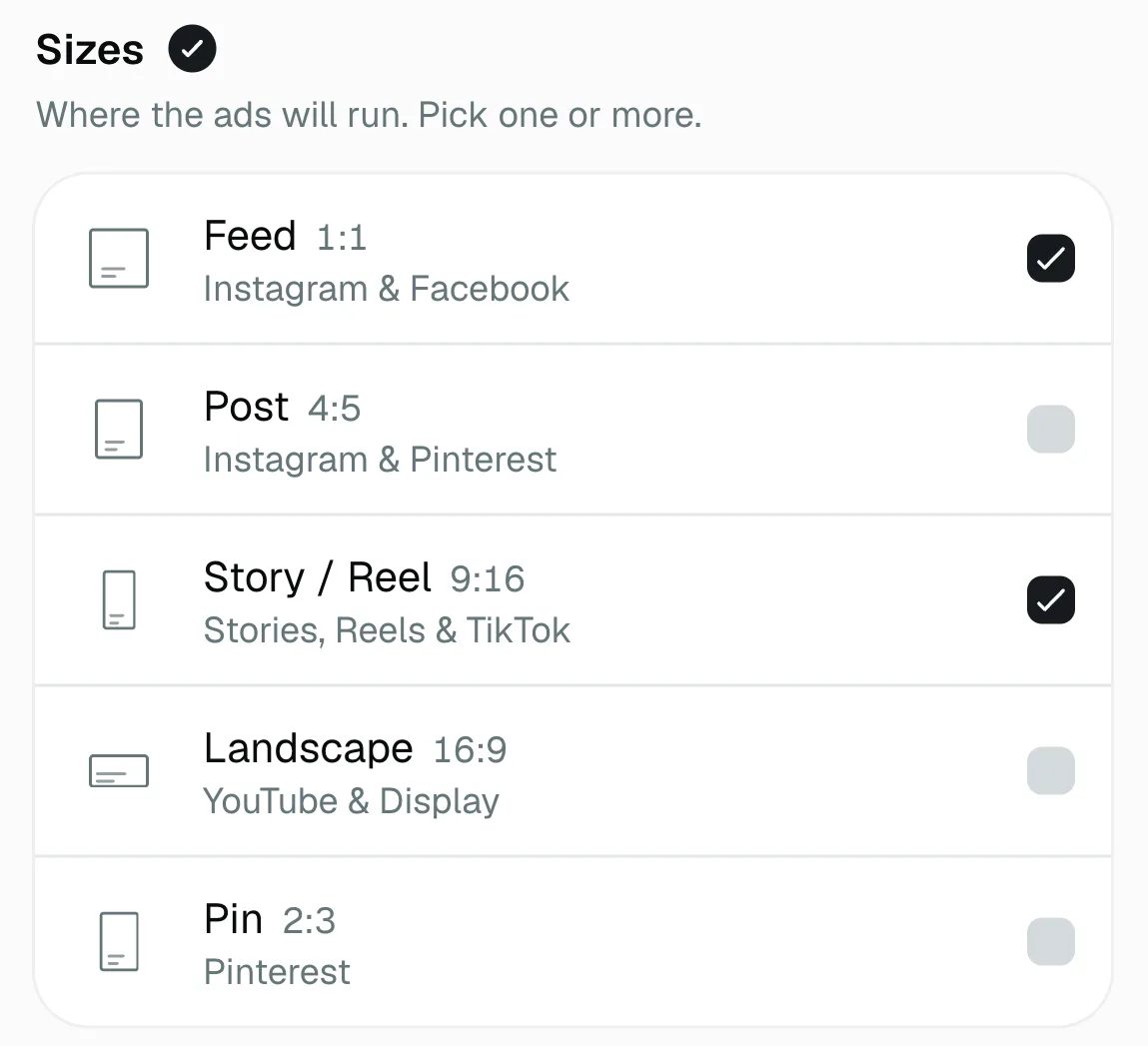
Choose a product, the message every ad carries, and the sizes. The price shows before you start.
- 03
Download each size
Each size downloads as its own file, with the ad text written for it.
- Feed 1:1, Post 4:5 and Story / Reel 9:16, in one batch
- Meta's Right Column size through Adapt
- Headline and button text written for you
- About 18 credits an ad
- The words in any of 47 languages
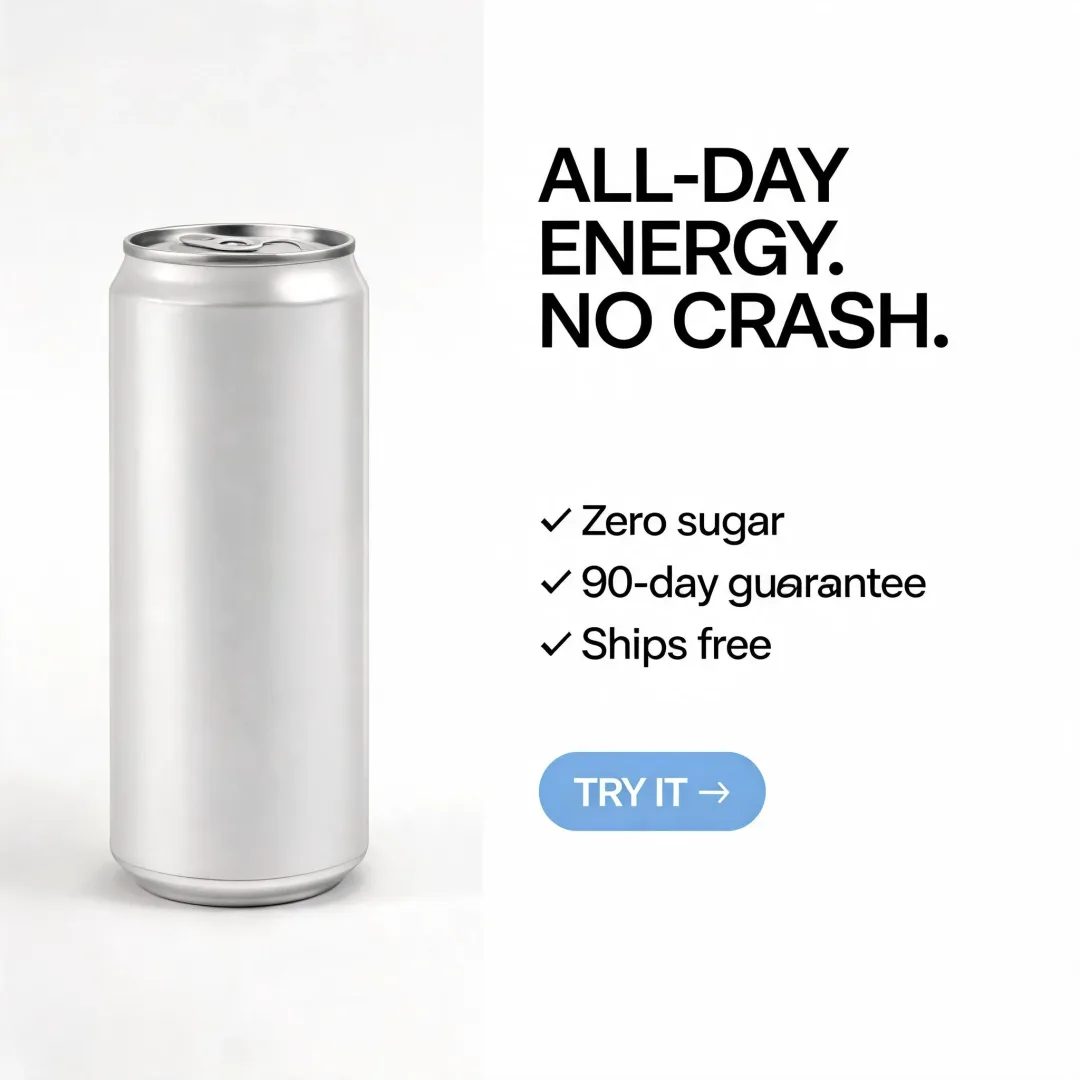
Layouts
Sample layouts for fictional products: the layout patterns a brief can ask for, or leave to Terrads.
- Layout
- Benefit list
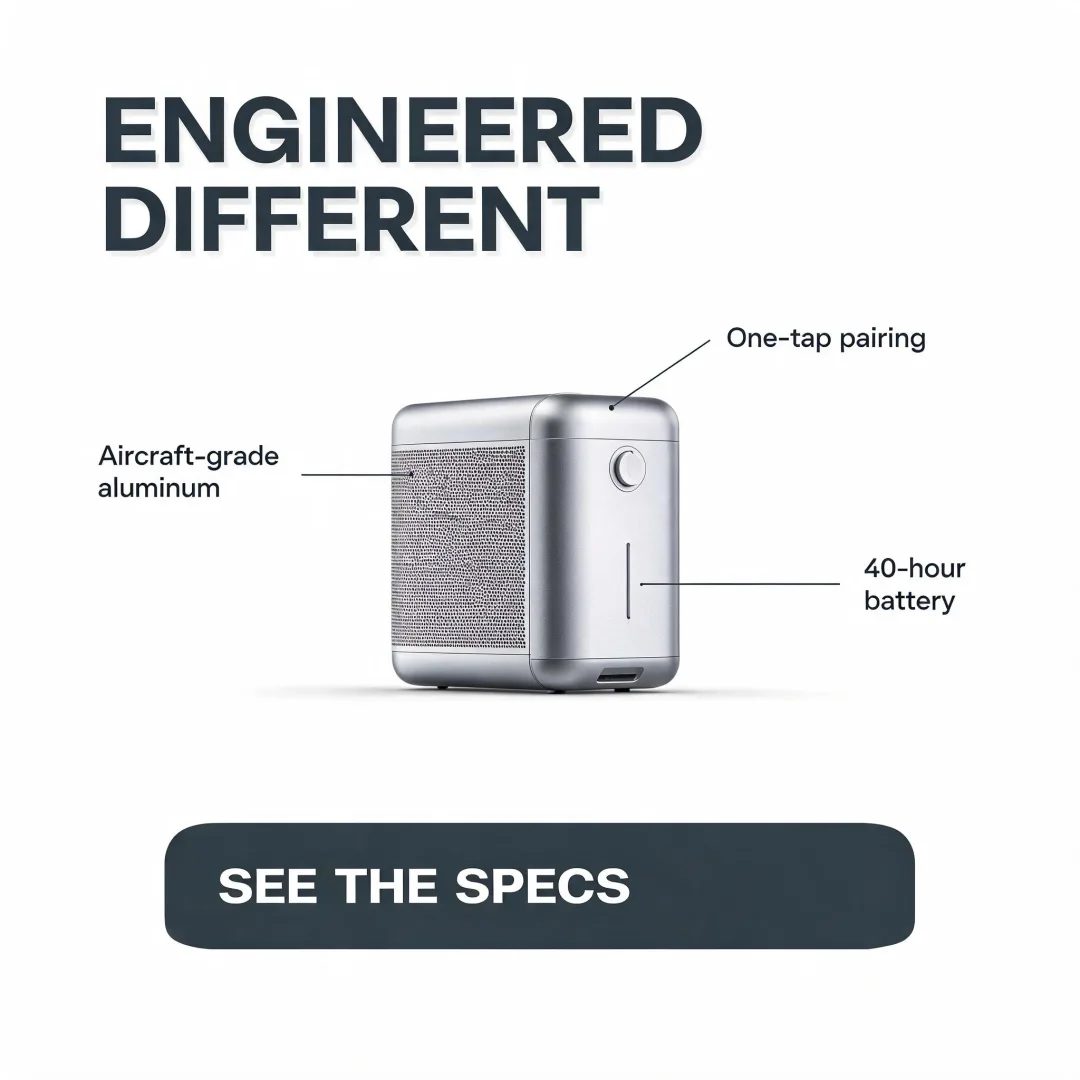
- Layout
- Feature callout
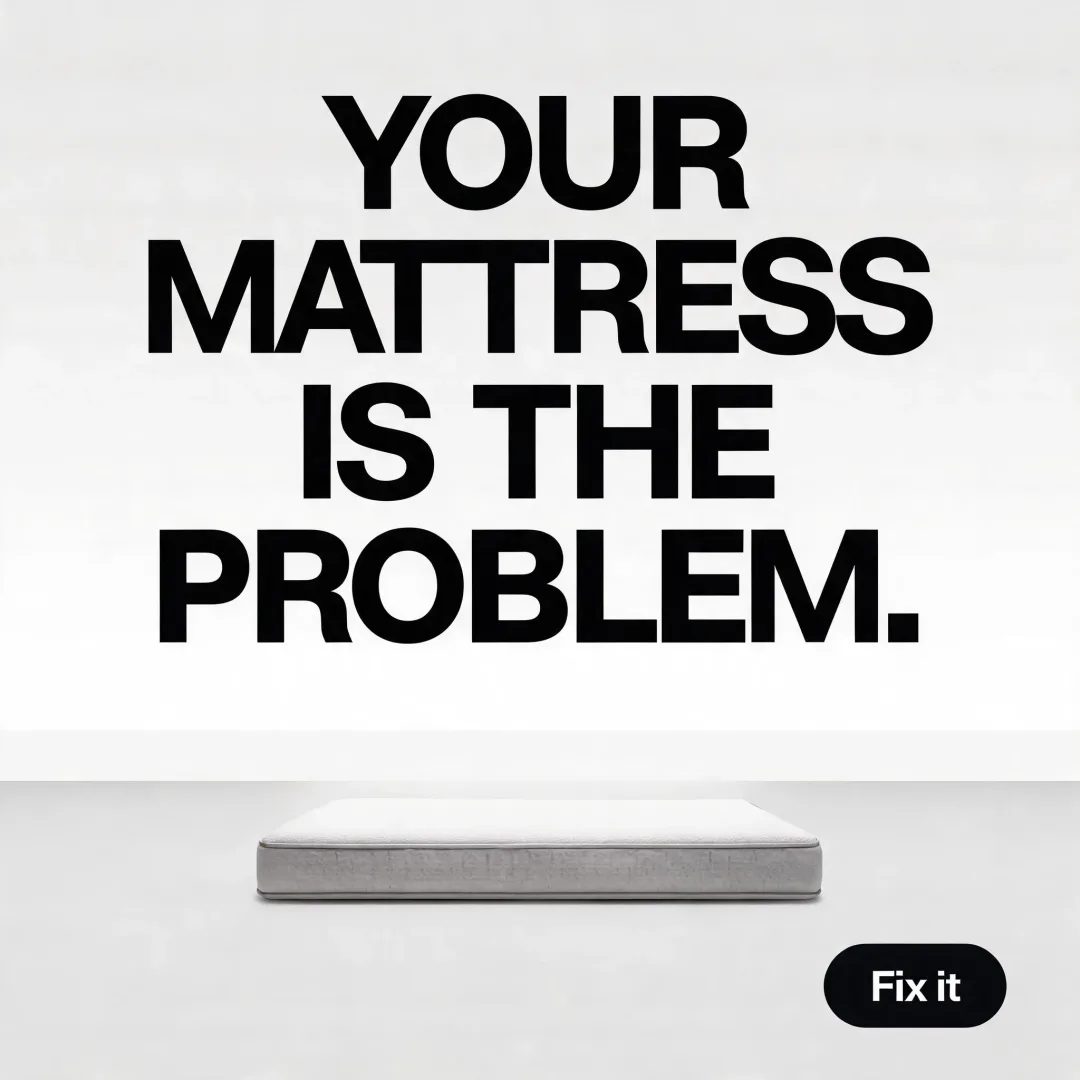
- Layout
- Headline-led claim
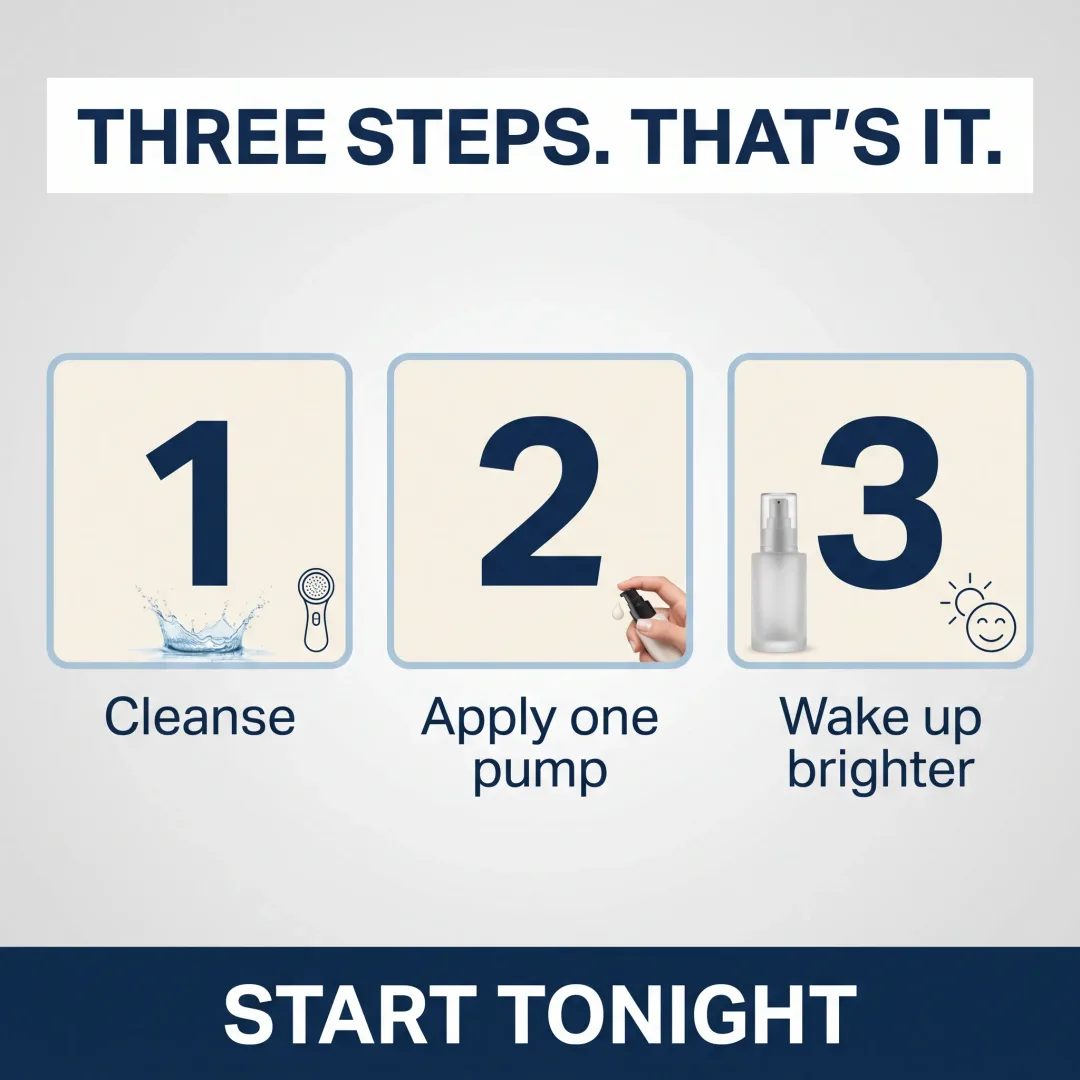
- Layout
- How it works
Need Meta's Right Column, which a batch doesn't make? The ad resizer makes it from a finished ad.
Frequently asked questions
Are the feed and story ads one image cropped twice?
No. Each size you pick is composed for its own frame, so the story is not a feed ad with bands added or its edges cut off. The headline, the product and the button are placed again for the tall frame.
Which Meta sizes can I make?
A batch makes Feed 1:1, Post 4:5 and Story / Reel 9:16. For Meta's Right Column, Adapt makes it from a finished ad. Meta's figures for each placement are on our ad specs pages.
Will the ads show my real product?
Yes. Save your product photos in your brand kit once, and every ad starts from those photos rather than from a description. If a detail still comes out wrong, you change that part instead of making the ad again.
What does an ad cost?
About 18 credits an ad with the default settings. The total for the batch shows before you start, and nothing is charged until you press Create.
Can I change one part of an ad?
Yes. Mark an area and say what to change; the rest of the ad stays as it was. Every change is a new version, and the one before it is kept.
The specs behind it
More features
Make your first Meta ads
Pick a product and the sizes, and Terrads writes and lays out the batch in your brand, with the price before you start.
New here? You'll sign in and set up your brand once first. Making ads needs a paid plan.