

Set up your brand
Everything Terrads makes starts from your brand: how it looks, how it talks and what it sells. Set it up once and every batch, edit and translation uses it. You can change any of it later, and the next ads follow.
Your brand's look
Click your brand's name at the top of the app and choose Edit brand. (Manage all brands in the same menu lists every brand you have.) The first part is who you are: the name, your website, a tagline and a short description of what you sell. If you add your website, Re-scan website reads it again and fills in what it finds.
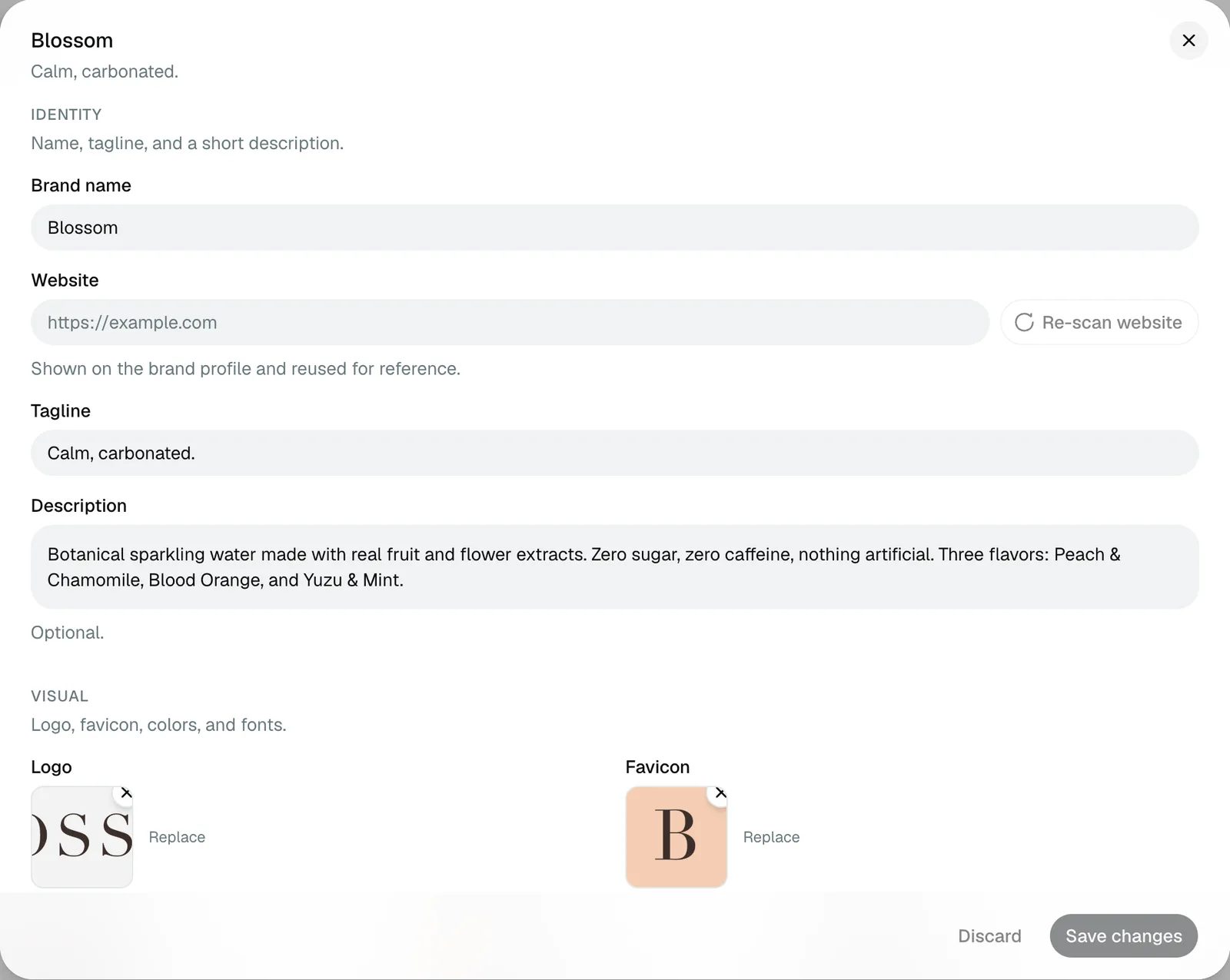
Under Visual, add your logo, your brand colors and your fonts. The colors and fonts are used in the ads themselves, so use the real ones. Aesthetic is a few words for the look you want, like "editorial, minimal, sun-warmed".
Your brand's voice
Voice is how your brand talks. Write a couple of sentences the way you would brief a copywriter. Then list words to use under Do say, and words that should never appear under Don't say.
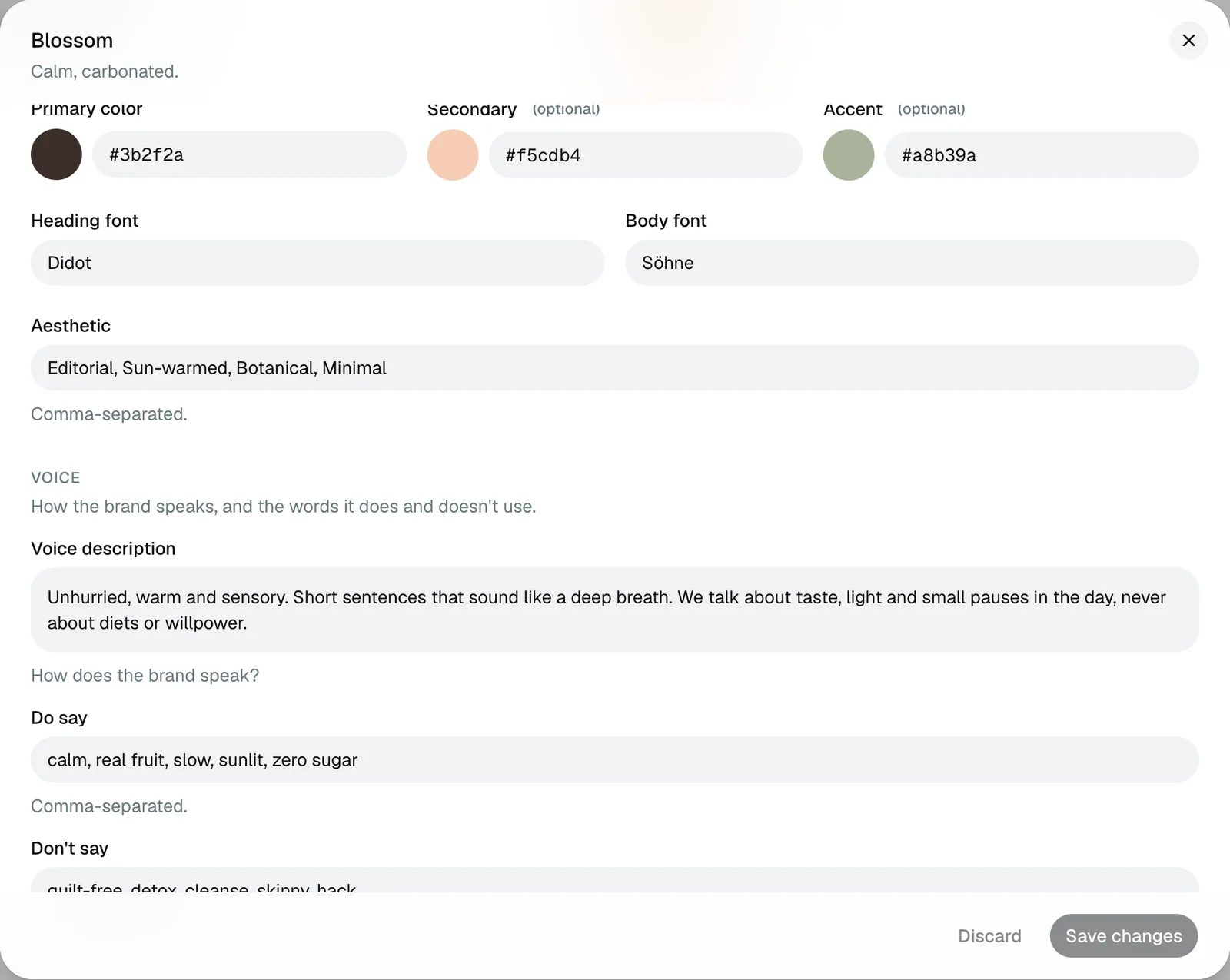
The ad text is written to avoid your don't-say words. If one still slips into an ad, the batch tells you, so you can change it before you use the ad.
Your products
Each ad is about one product. Add products under Assets → Products, or with New product right on the Create page. Give each one a clear name and good photos: the product on its own, and more than one angle if you have them. The better the photos, the closer the ads look to the real thing.
What's next
With a brand and a product in place, you're ready to make your first batch of ads.