

Features / Product backgrounds
Updated
Product background generator
Remove a product photo's background, or put the product in a scene you describe. The scenes below were made another way, from one product photo with an AI image edit, not with the Background tool.
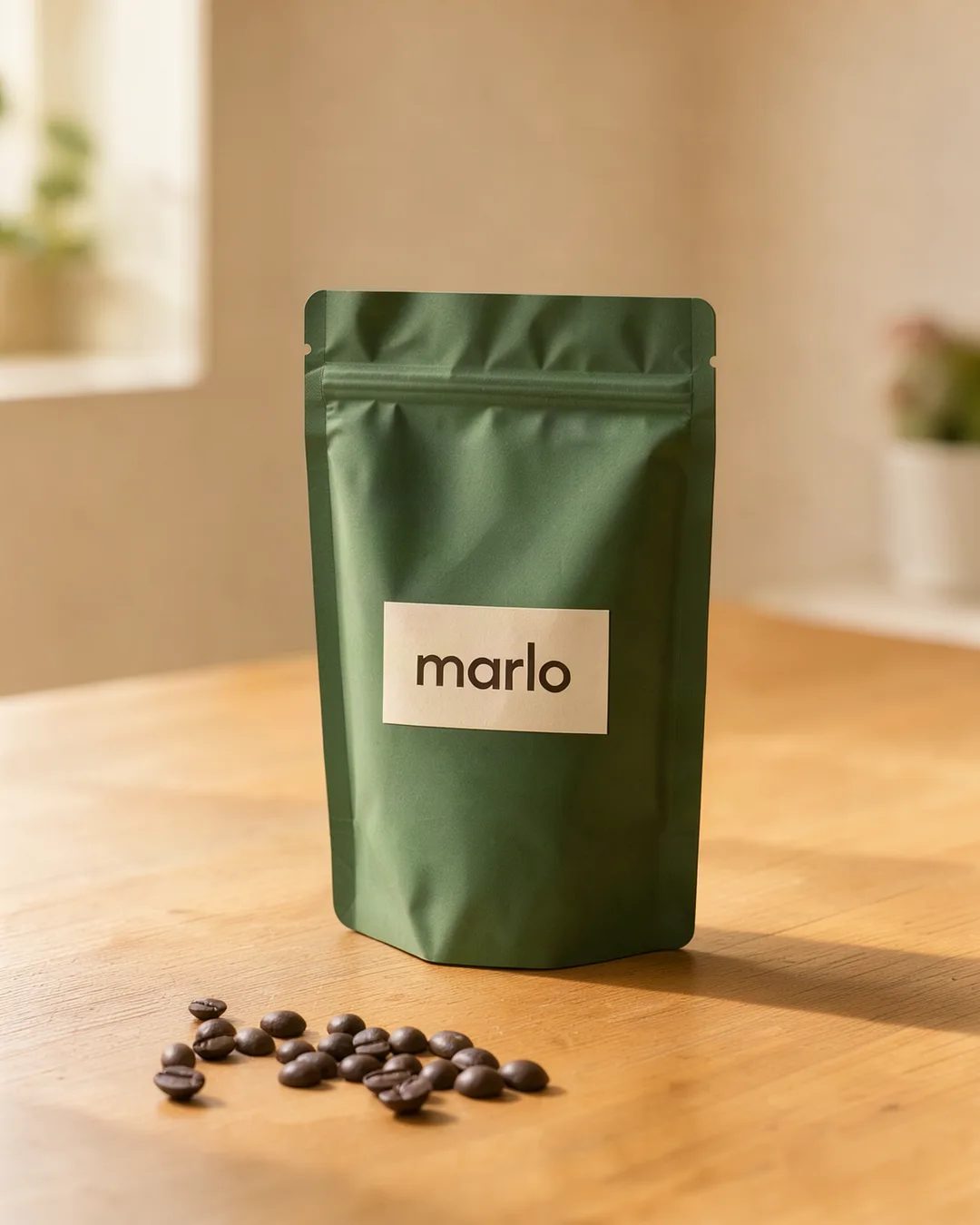
- Size
- 1080 × 1350 · 4:5
- What it is
- The product photo
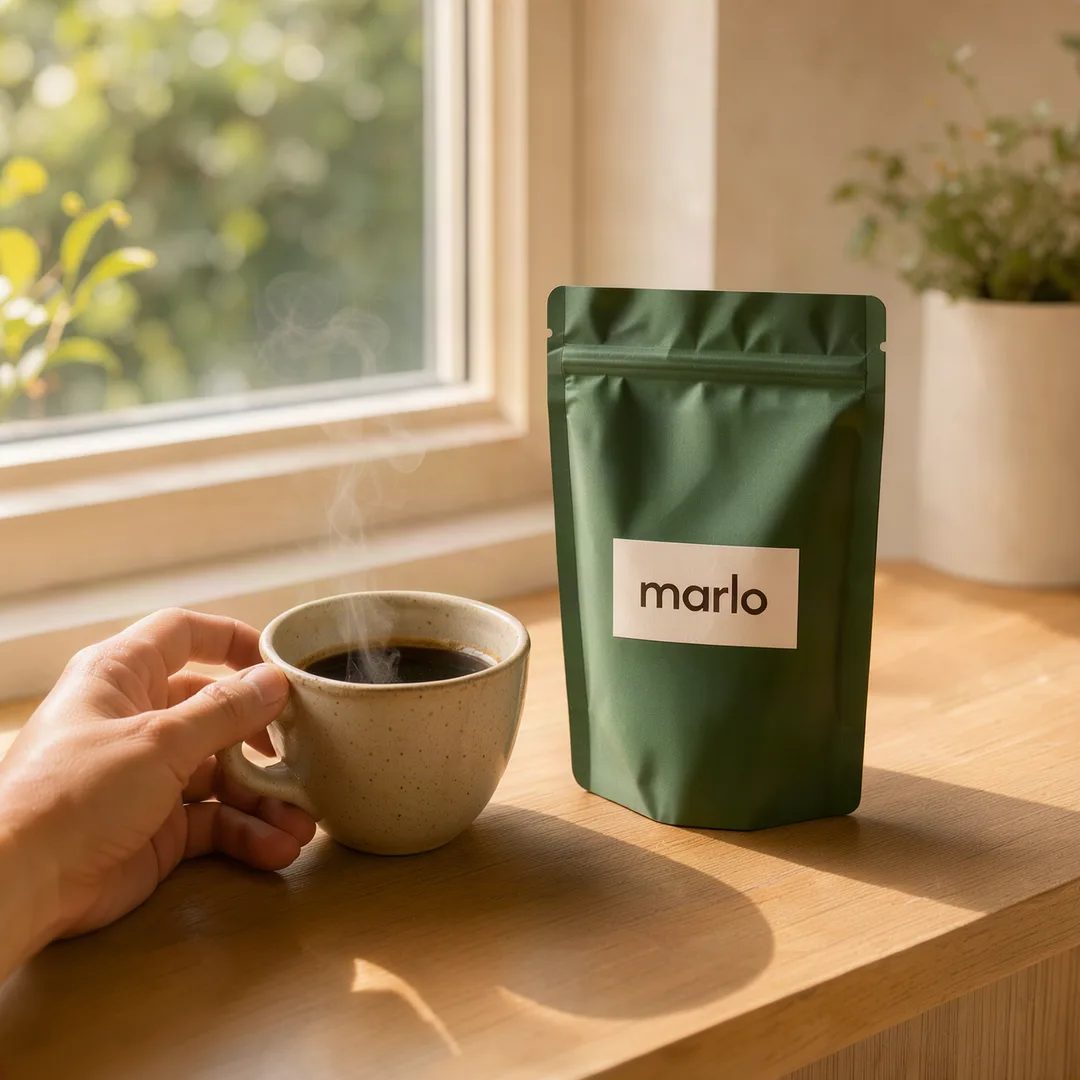
- Size
- 1080 × 1080 · 1:1
- Scene
- Sunny sill
- What it is
- Made from the photo with an AI image edit
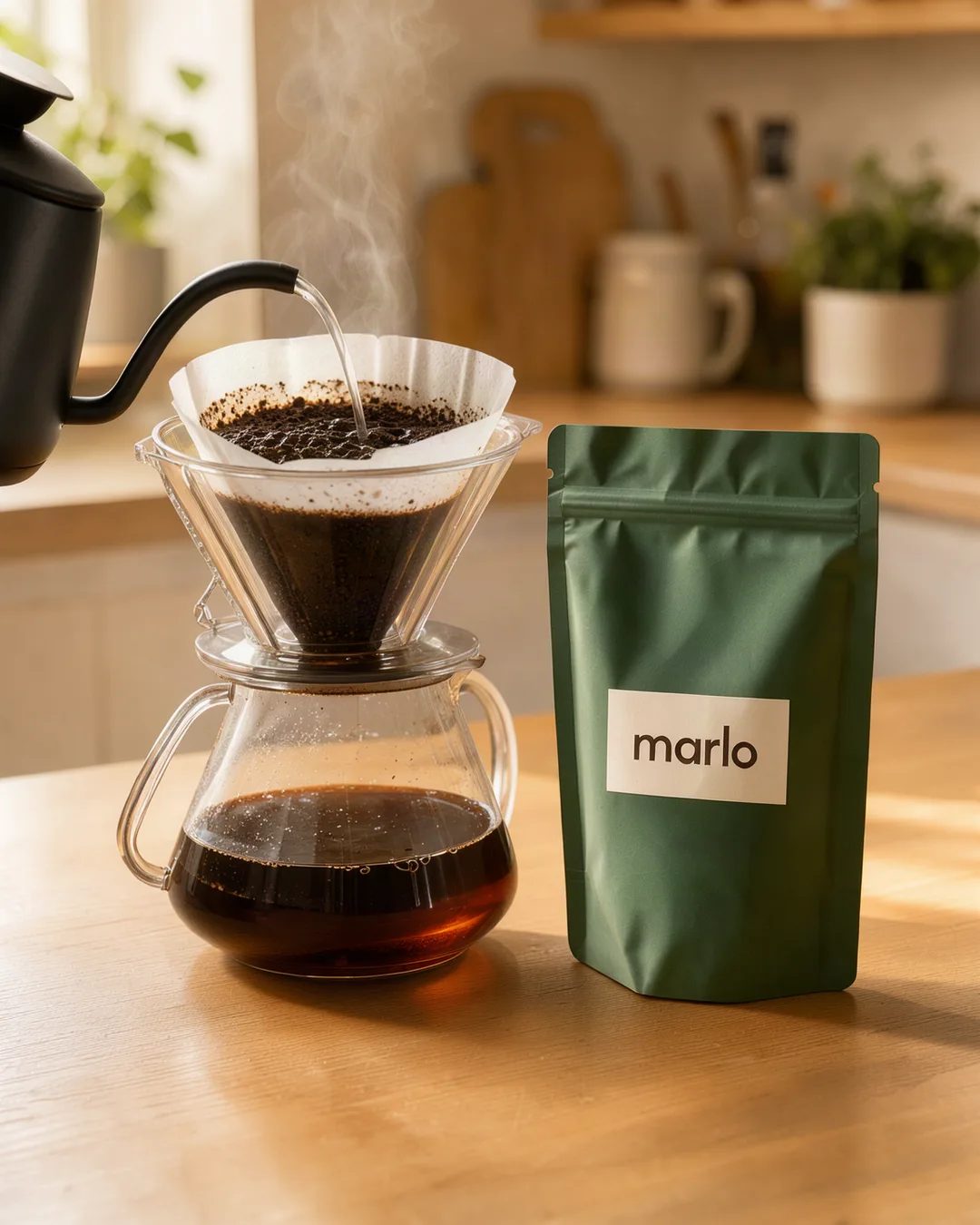
- Size
- 1080 × 1350 · 4:5
- Scene
- Pour-over
- What it is
- Made from the photo with an AI image edit
Samples for fictional brands. Each scene was made from the product photo before it with an AI image edit, not with the Background tool, and the product was redrawn to match the scene. The photos, the scenes and the hand are AI-generated.
How it works
- 01
Open Background
Upload a product photo, or pick an ad from Creatives.
- 02
Remove or Replace
Remove keeps the subject with a clean, transparent edge. Replace puts a new background behind it: describe the one you want.
- 03
Keep the one you want
Each result is a new version, and the original is kept. Download the version on screen.
- Remove, or Replace with a scene you describe
- Every version kept
- Works on uploaded photos and generated ads
- Price before you start
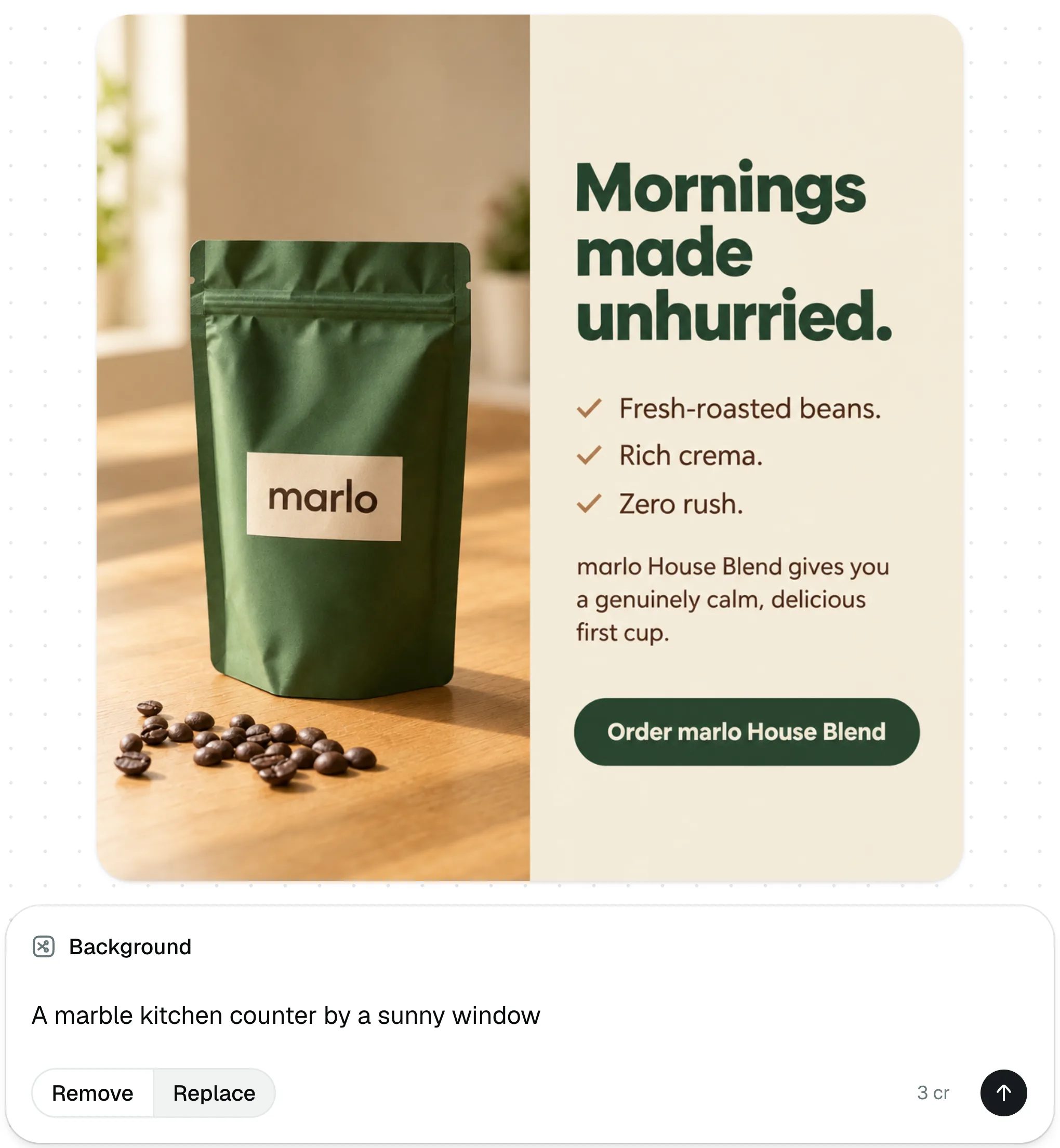
More scenes
Two more products, each with its first photo and a scene made from it the same way.
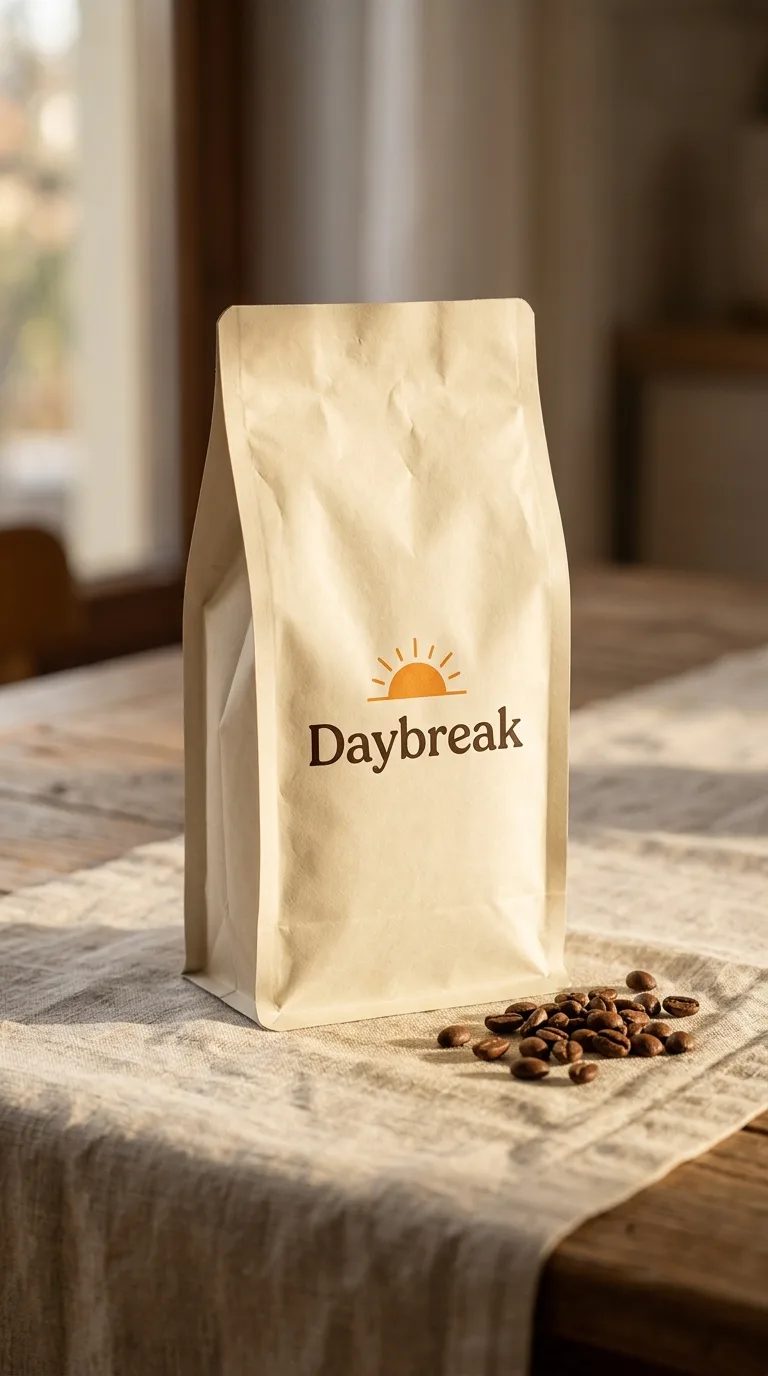
- Size
- 768 × 1376
- Brand
- Daybreak
- What it is
- The product photo
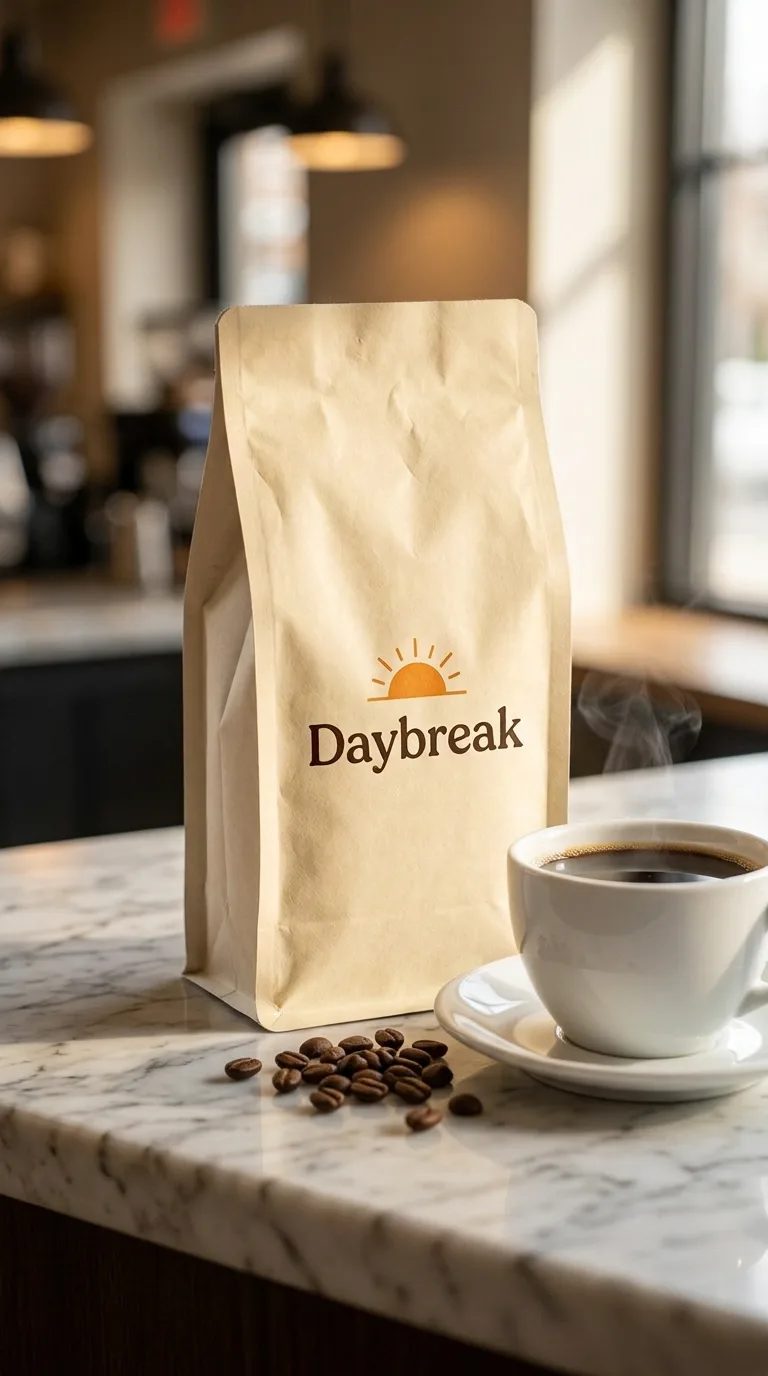
- Size
- 768 × 1376
- Scene
- Marble counter
- What it is
- Made from the photo with an AI image edit
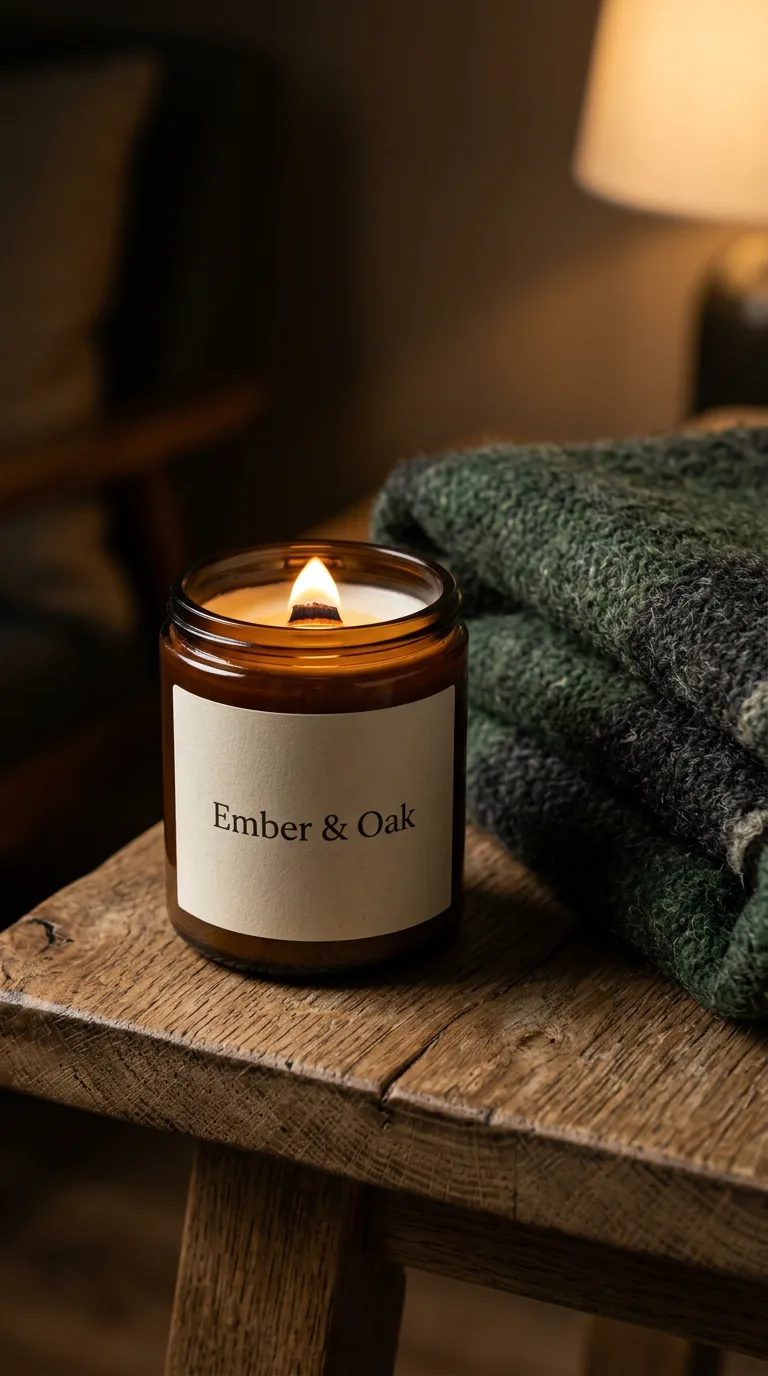
- Size
- 768 × 1376
- Brand
- Ember & Oak
- What it is
- The product photo
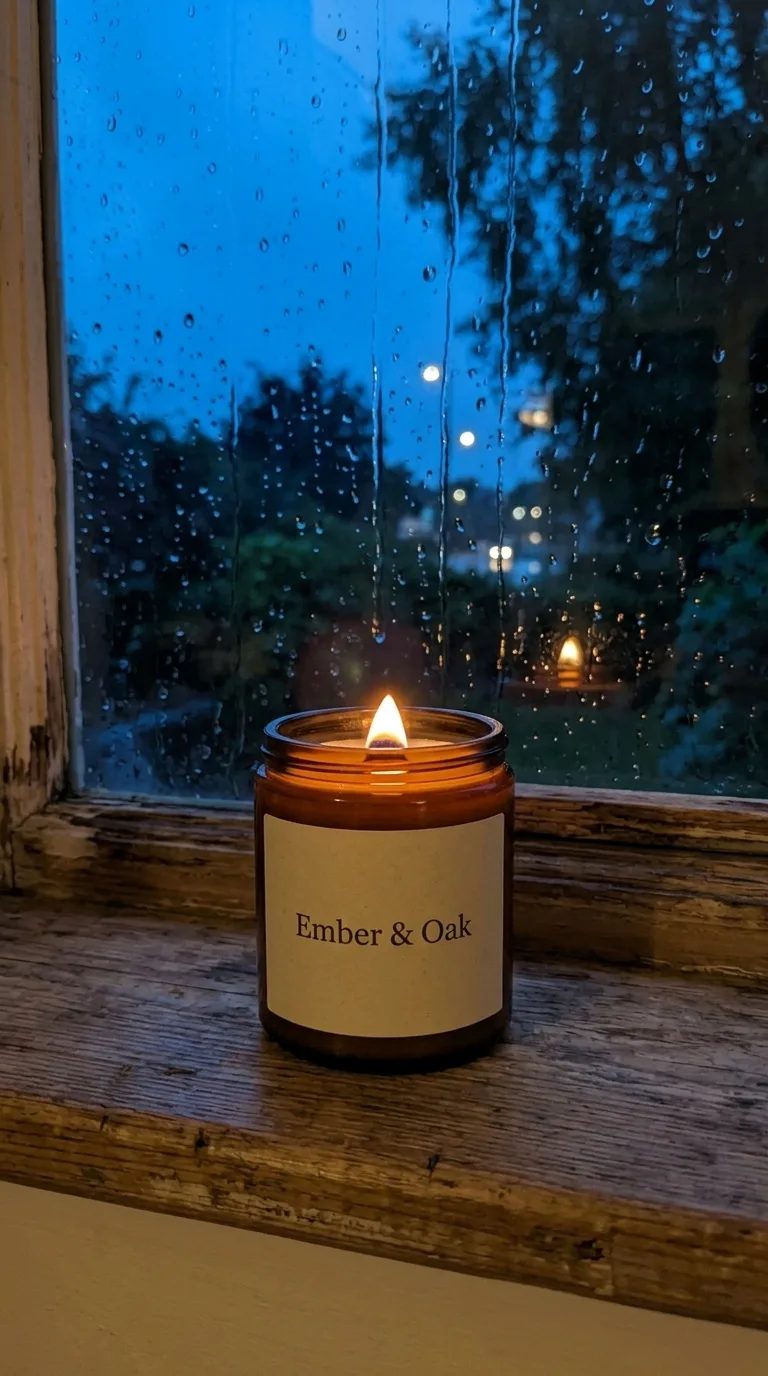
- Size
- 768 × 1376
- Scene
- Rainy windowsill
- What it is
- Made from the photo with an AI image edit
Frequently asked questions
Will a phone photo work?
Yes. Upload the photo, or paste or drop it in, and pick Remove or Replace. A clear photo of the product on its own gives the cleanest edge.
Does it change my product?
Remove keeps the subject as it is and only takes the background away. The scenes on this page were made a different way: an AI image edit redrew the product into each scene.
Can I get a transparent file?
Yes. Remove keeps the subject with a clean, transparent edge, ready to place on any background. Download saves the version on screen.
Can I use the result in an ad?
Yes. Download it and add it to the product's photos in your brand kit; every ad you make in Create starts from those photos.
What does it cost?
The price shows on the button before you start. Every result is a new version, and the original photo is always kept.
The specs behind it
Free tools
Related reading
- Stop making one ad and resizing it into five
- Ad creative — glossary
- Static ad — glossary
More features
Change a background
Open a product photo, remove its background or describe a new one, and use it in your ads.
New here? You'll sign in and set up your brand once first. Making ads needs a paid plan.