

Download your ads and their text
An ad on Meta or TikTok is two things: the image, and the text that runs next to it. Terrads makes both, so you can paste them straight into the platform's ad manager.
Download
Open an ad and use Download at the bottom of the panel. The arrow next to it has more options:
- This size, as a PNG with your logo and button if you added them.
- All sizes of this ad, every shape in one download.
- Without logo & button, the image before they were added.
- Ad text, the words in the ad and the post text, as a text file.
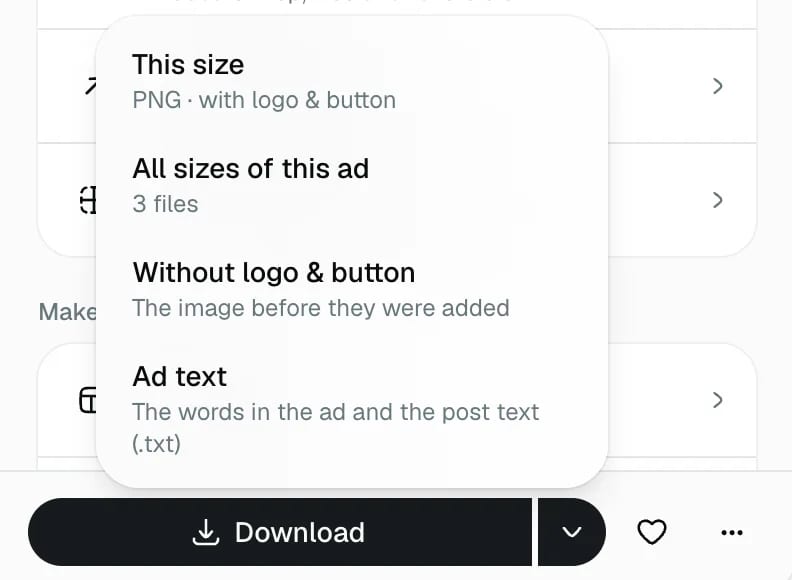
For the whole batch, click All ads and use Download all: every ad in every size, in one zip file. Downloading is free.
The post text
The Text tab has the post text for the ad, written for each platform with its own fields and limits. For Facebook & Instagram that's the primary text, the headline and the call-to-action button. The counters show how close each field is to the platform's limit.
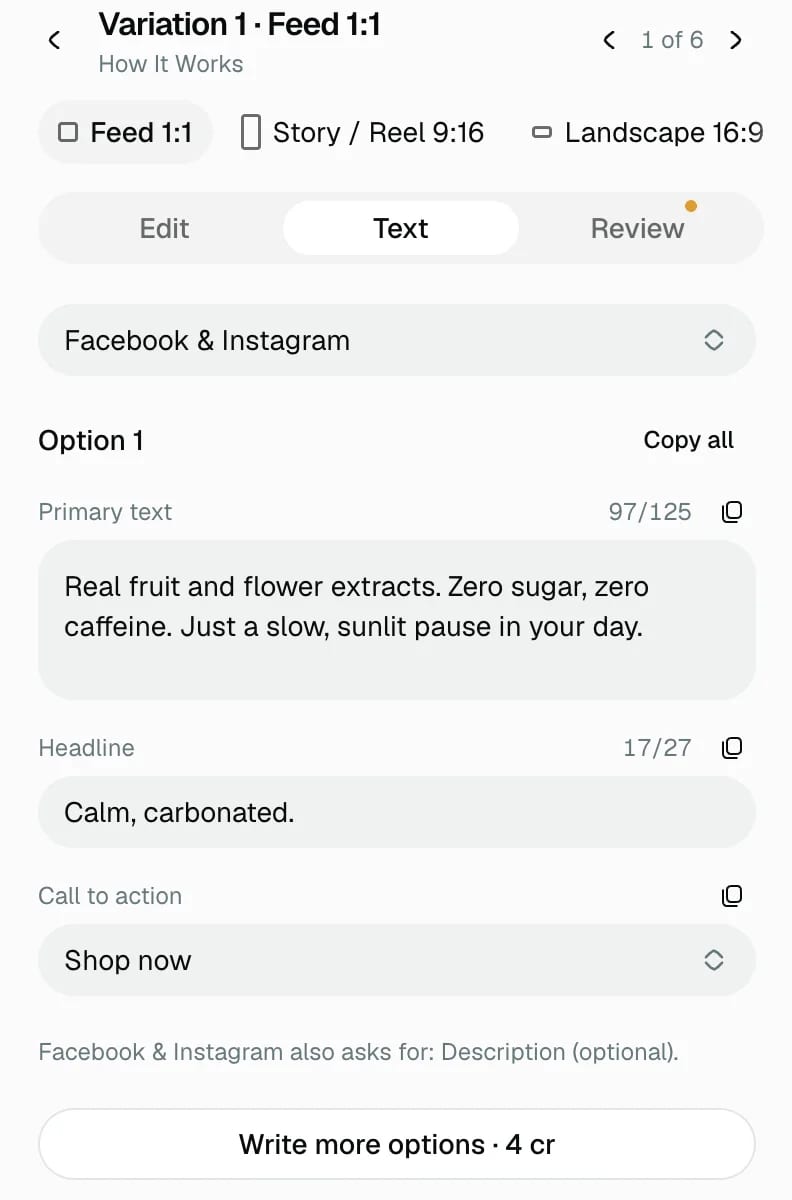
Copy one field, or Copy all. Change anything by typing in the field. If you'd like more choices, Write more options adds new versions to pick from.
See it where it will run
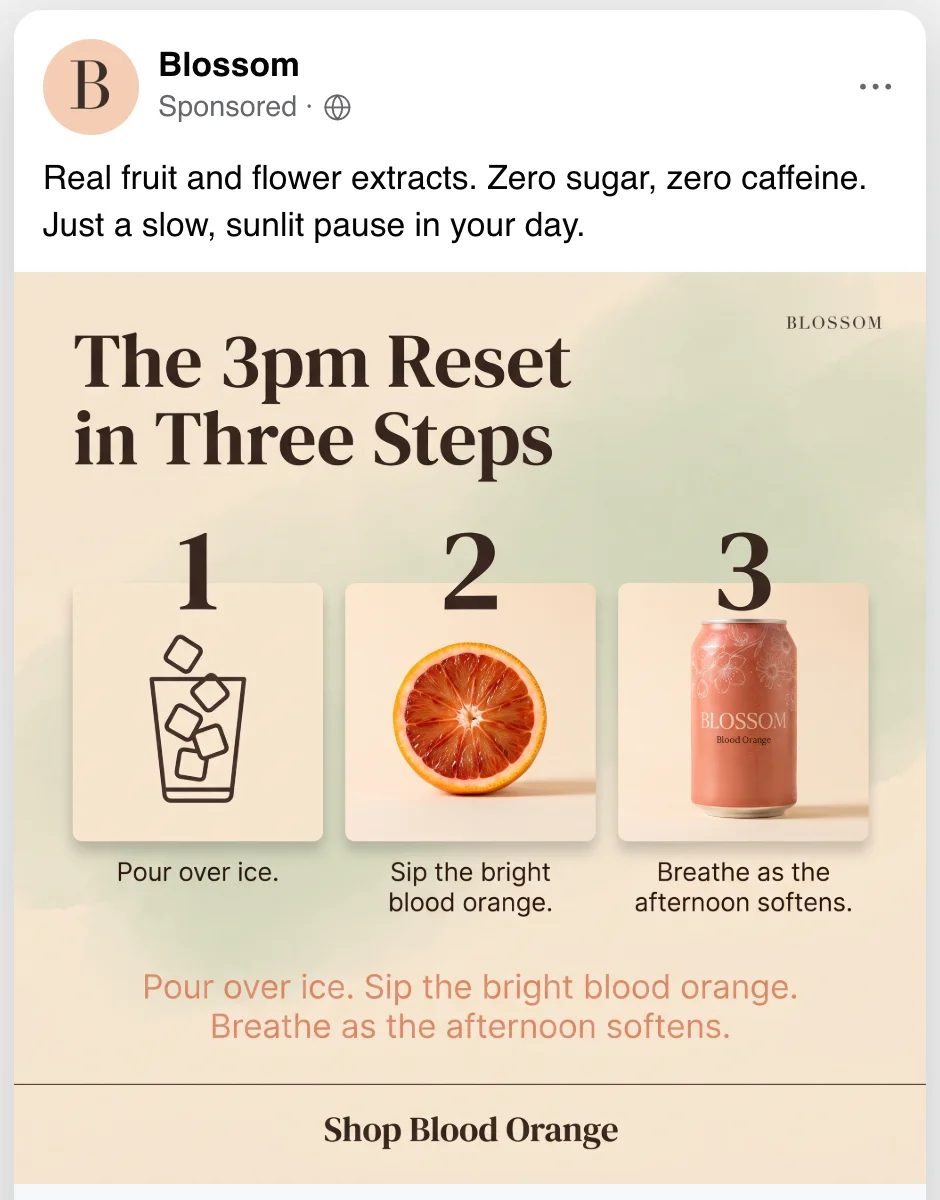
On a platform, above the ad, shows it the way people will see it: in a feed, with your brand name, the post text and the button. Switch between platforms and placements under the ad, and Export preview saves the mock-up as an image, handy for sending to a client or a teammate.
Next: how credits work.